

Have an idea for colorwork – and want to see it stitch by stitch before you knit it? With Color Charts, you put the chart together from premade elements, copy and paste, or draw freehand. Make a free-form chart for anything you knit, or a project-based chart right on your Dreamknit pattern.
See how it works
From motif to chart, step by step.
Choose between a free-form and a project-based chart
PRO
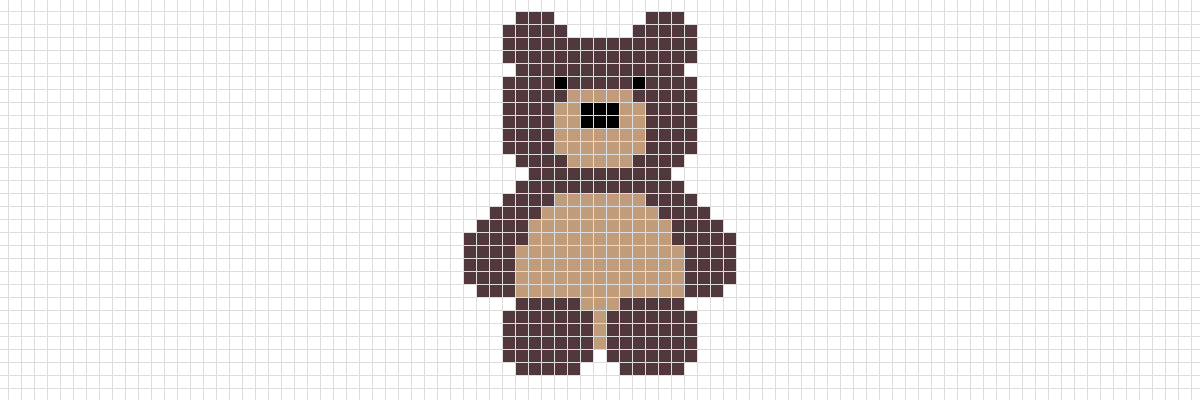
Free-form Chart
Design without constraints
PRO
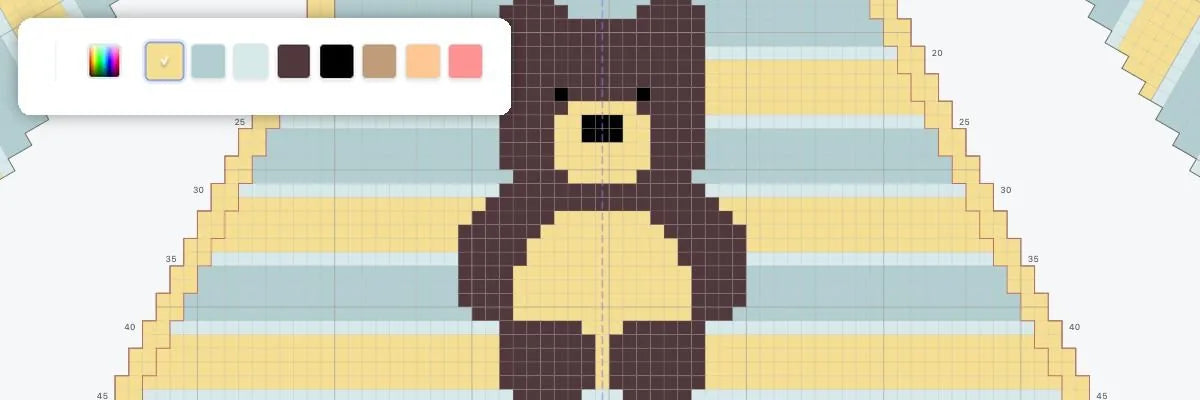
Project-based Chart
Design for a specific garment
Color Charts is intended to be used on a computer, where you have plenty of room to draw. Make a free-form chart or draw right on your Dreamknit pattern – just switch screens when you're ready! On your phone, your charts come with you in read mode, which keeps track of the row you're on. All of this comes with PRO.
Why Color Charts is game-changing
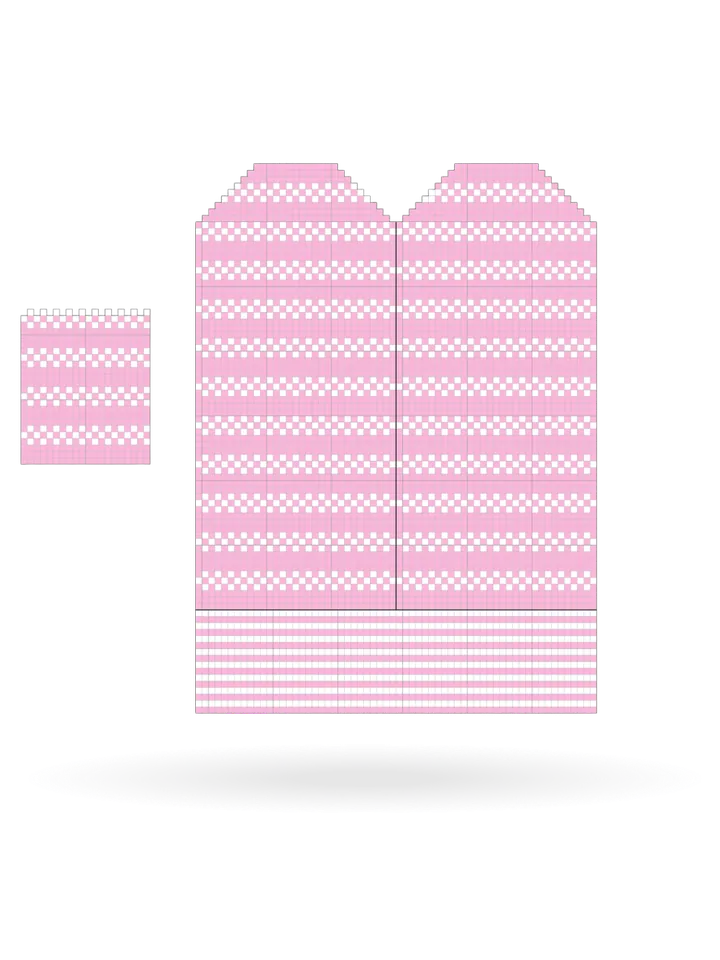
Plan and visualize your colorwork
See how motifs and color combinations look before you cast on.
Edit motifs as you go
Move, tweak and adjust color patterns without starting over.
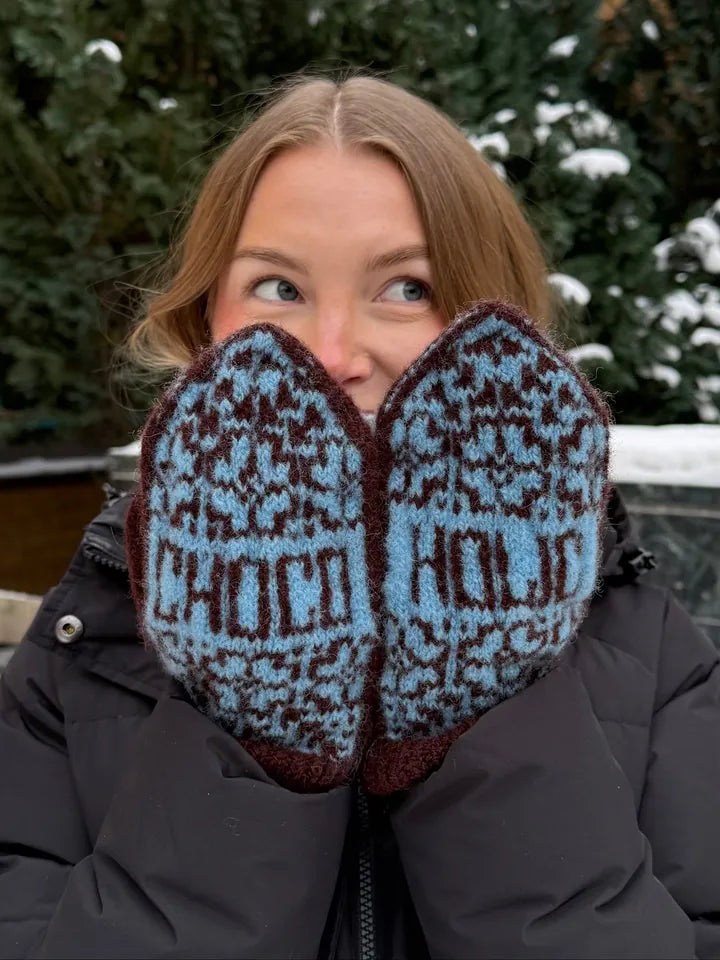
Finish with confidence
Trust your design choices and knit without second-guessing.
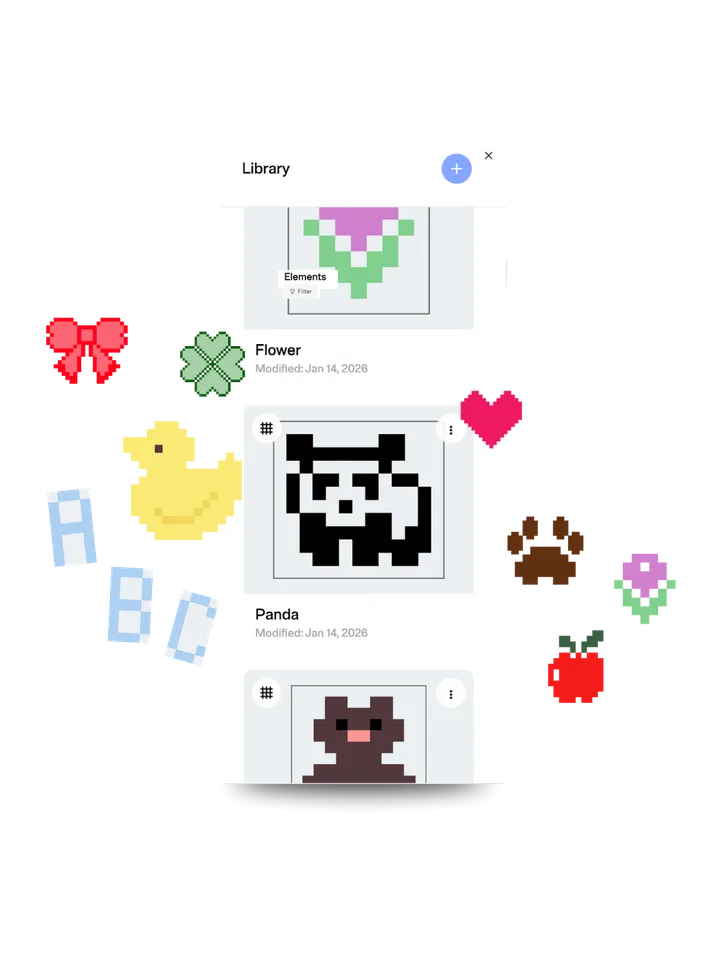
Build with premade elements
Letters, motifs, stripes and all-over patterns: here's a taste of what you can put together on your sweater, your mittens or anything you like. Mix, move and make it your own.
Stripes
7 elements
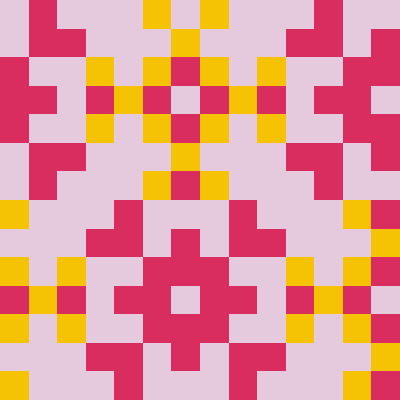
All-over
70 elements
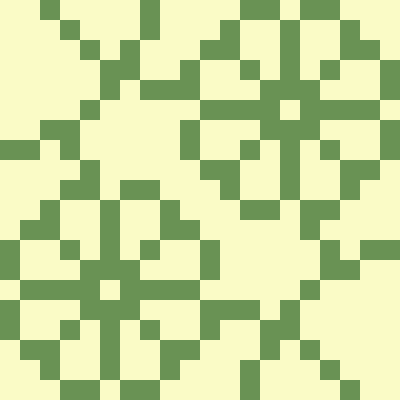
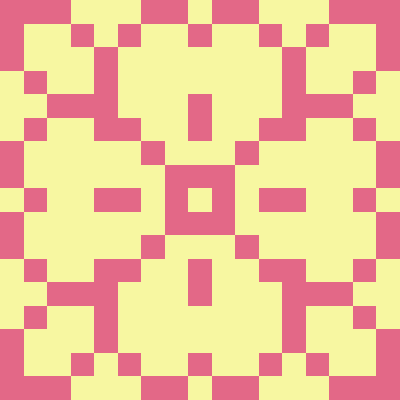
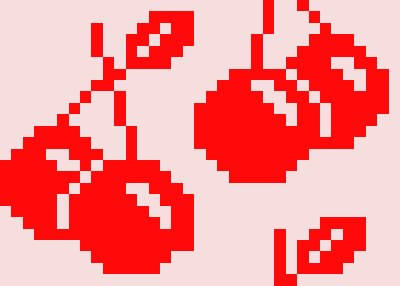

Nature
51 elements


Symbols
16 elements




Letters & Numbers
89 elements
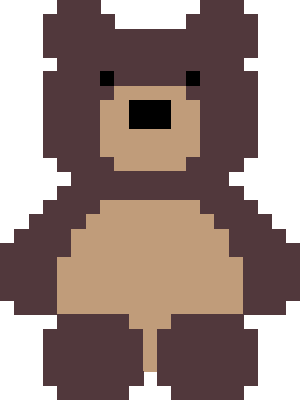
Motifs
46 elements
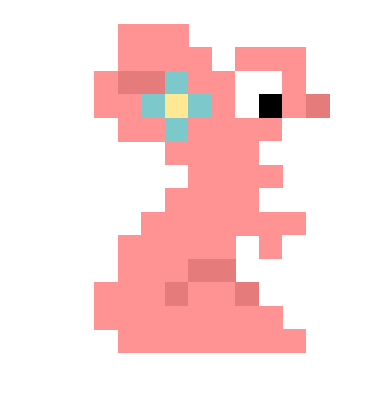
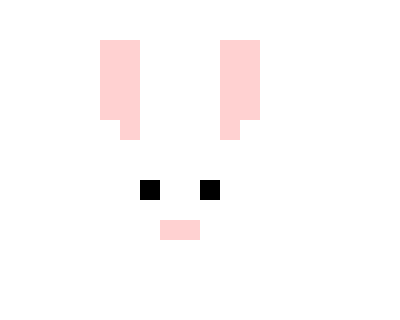

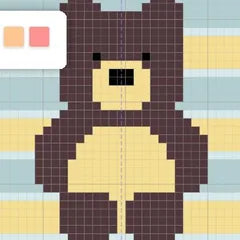
Characters
19 elements

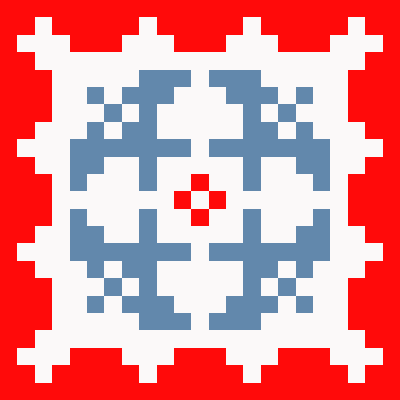
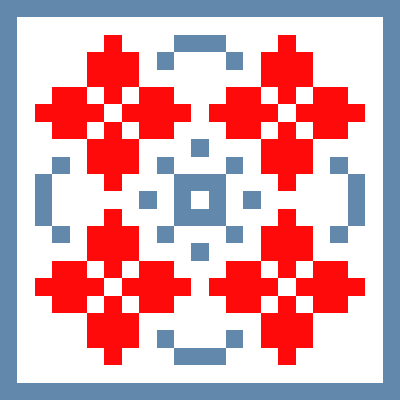
Traditional
75 elements
Bring your colorwork ideas to life.
Join Dreamknit PRO to design, save and knit from unlimited color charts, linked straight to your projects. 14-day money-back guarantee.
Why chart your colorwork
A knitting chart shows every stitch and every color change on a grid, row by row. You always see which color comes next, without rereading written instructions. That matters most in colorwork: with both stranded knitting (Fair Isle) and intarsia, every color has to land exactly where it should, and that's far easier to follow in a chart than in text.
Charts also let you reuse your own designs. Build a motif once – your own drawing, a favorite pattern, or one of the premade elements – and turn it into an all-over pattern without drawing it again.
A project-based chart stays linked to the Dreamknit project it belongs to. Want to knit it in a different yarn? The Yarn Swapper finds one at the same gauge.